

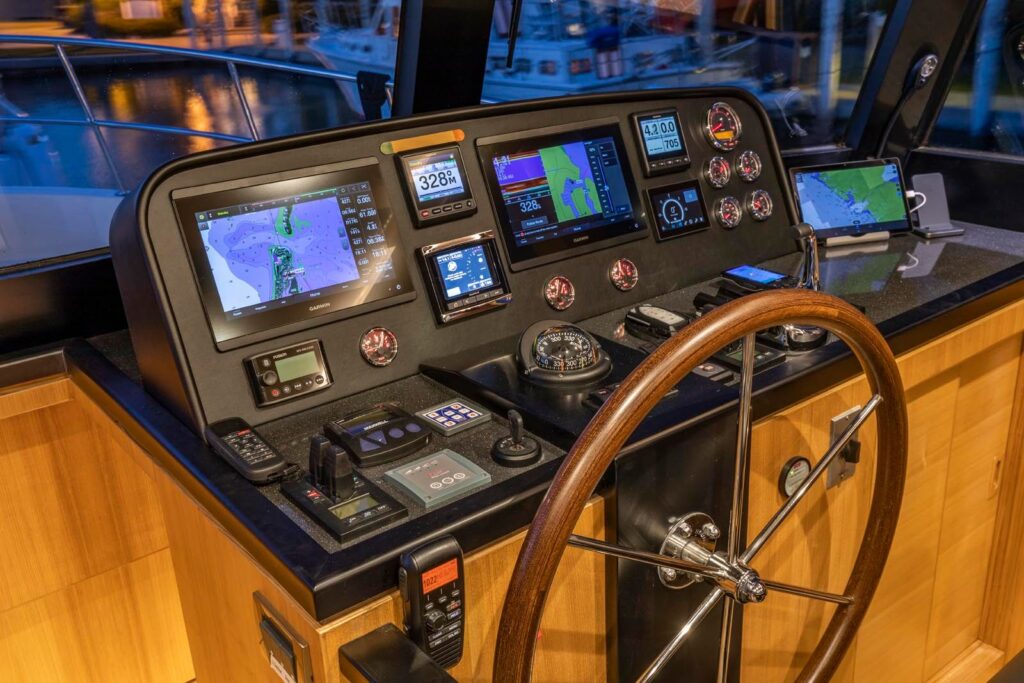
An alternate control station changes where the operator can stand. It may improve a particular view while changing access to other references. Before selecting hardware, identify the visibility question, examine the actual position, and understand how that installation takes and retains command.
Compare the view from each position
A wing or side station places controls closer to one side of the vessel. An aft station may bring stern references closer to the operator. A handheld remote offers a different arrangement again. None guarantees a complete view of every corner.
With the boat securely docked and controls inactive, stand where the station is installed or proposed. Look at the relevant bow quarter, hull side, stern, boarding area, and opposite side. Note the exact obstruction rather than assuming the station label describes its sightlines.
Our guide to headroom and visibility develops the normal operator-position assessment. Here the question is what a different control location changes.
Match the station to a genuine need
Think about the berths and clearance references your crew regularly encounters. Identify the view that is difficult from the existing helm, then compare it with the alternative position. A new location is useful only if its complete arrangement serves the task.
Check how the controls, intended support, passage, and operator stance relate. Ask what functions are available at that station. The answer depends on the machinery, control system, and installation; do not assume a remote or external box includes every function you expect.
Learn the exact transfer and failure behavior
Review the manufacturer’s instructions and installed-system documentation with the builder or qualified installer. Station priority, takeover conditions, acknowledgement, lockout, and fault behavior are system-specific.
Ask for a demonstration and appropriate training. Do not assume that a neutral position, a button press, or loss of signal produces the same result across different systems.
| Question | What to confirm on the installation |
|---|---|
| Which station has command? | Actual indicators and acknowledgement |
| How is control transferred? | Documented sequence and conditions |
| What if transfer fails? | Indication and appropriate response |
| What if power or signal is lost? | Installed system’s documented behavior |
| What limits apply to a remote? | Range, power, storage and use instructions |
Keep the whole docking picture in view
Crew reports and cameras may add useful information, but their limits and blind areas also need understanding. Moving to a clearer view of one side does not remove responsibility for the rest of the boat and surroundings.
Our guide to solo docking workload is a separate assessment of tasks, access, assistance, and retained vessel control. Do not treat a convenient external station as permission to abandon active controls to handle a line. Review the operating routine with an instructor familiar with the actual vessel.
Compare an actual North Pacific option
For example, our 590 Pilothouse interior has a starboard pantograph watertight door, and a Dockmate remote is an option. With a Skylounge selected, the standard lower helm forward of the galley is eliminated. These are configuration facts to review alongside the selected station and access arrangement.
They do not establish specific remote functions, failure behavior, or hardwired wing/aft station availability. Ask us about the actual specification and compatible options before planning an installation.
Bring the visibility issue, preferred control location, and system questions when you talk with us. That gives the discussion a useful starting point beyond simply adding another place to steer.